Installing WiiUDownloader on macOS
Video Guide
- Download
WiiUDownloader-macOS-Universal.dmgfrom the latest release.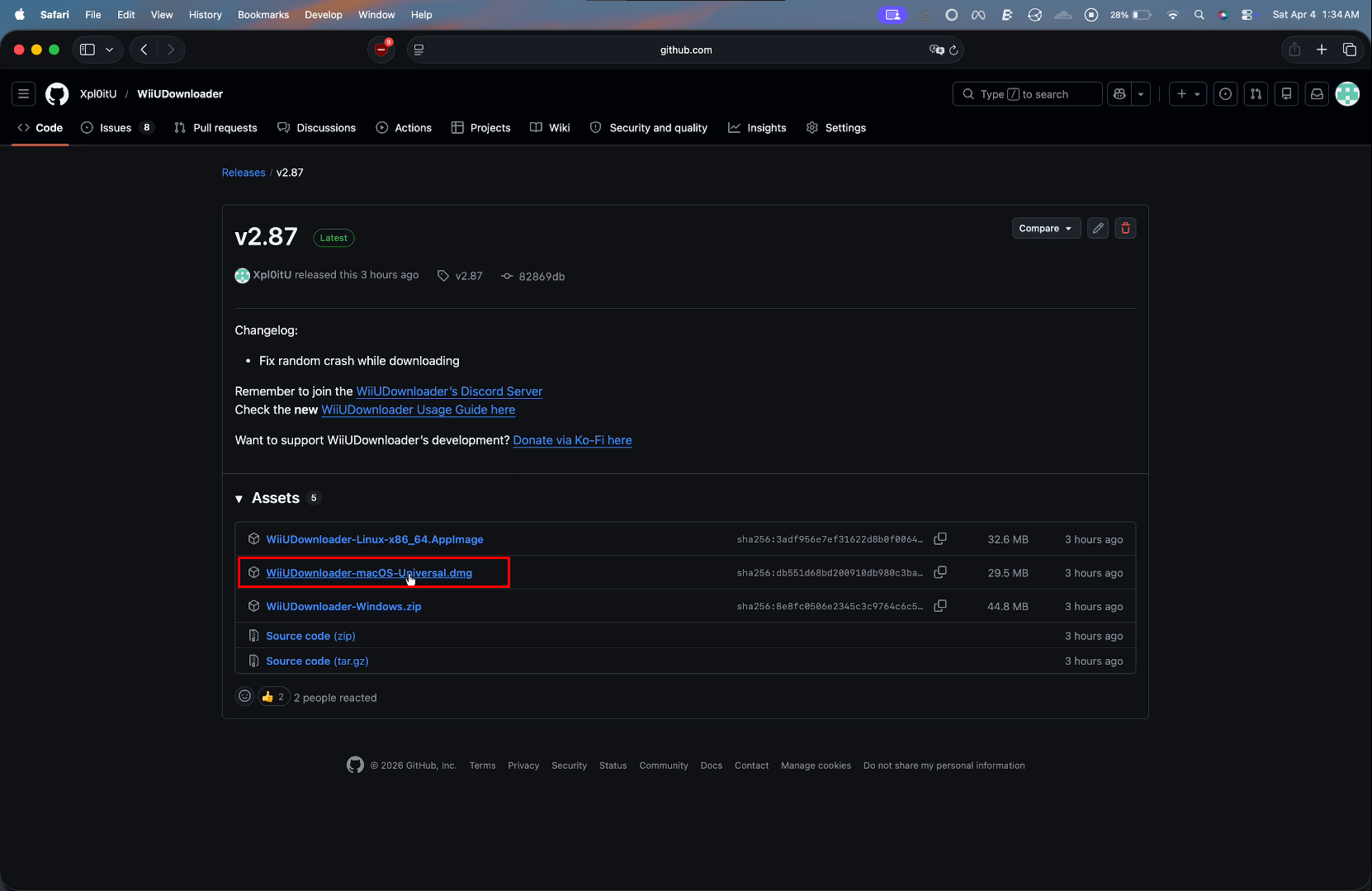
- Go to your downloads and wait for it to finish.
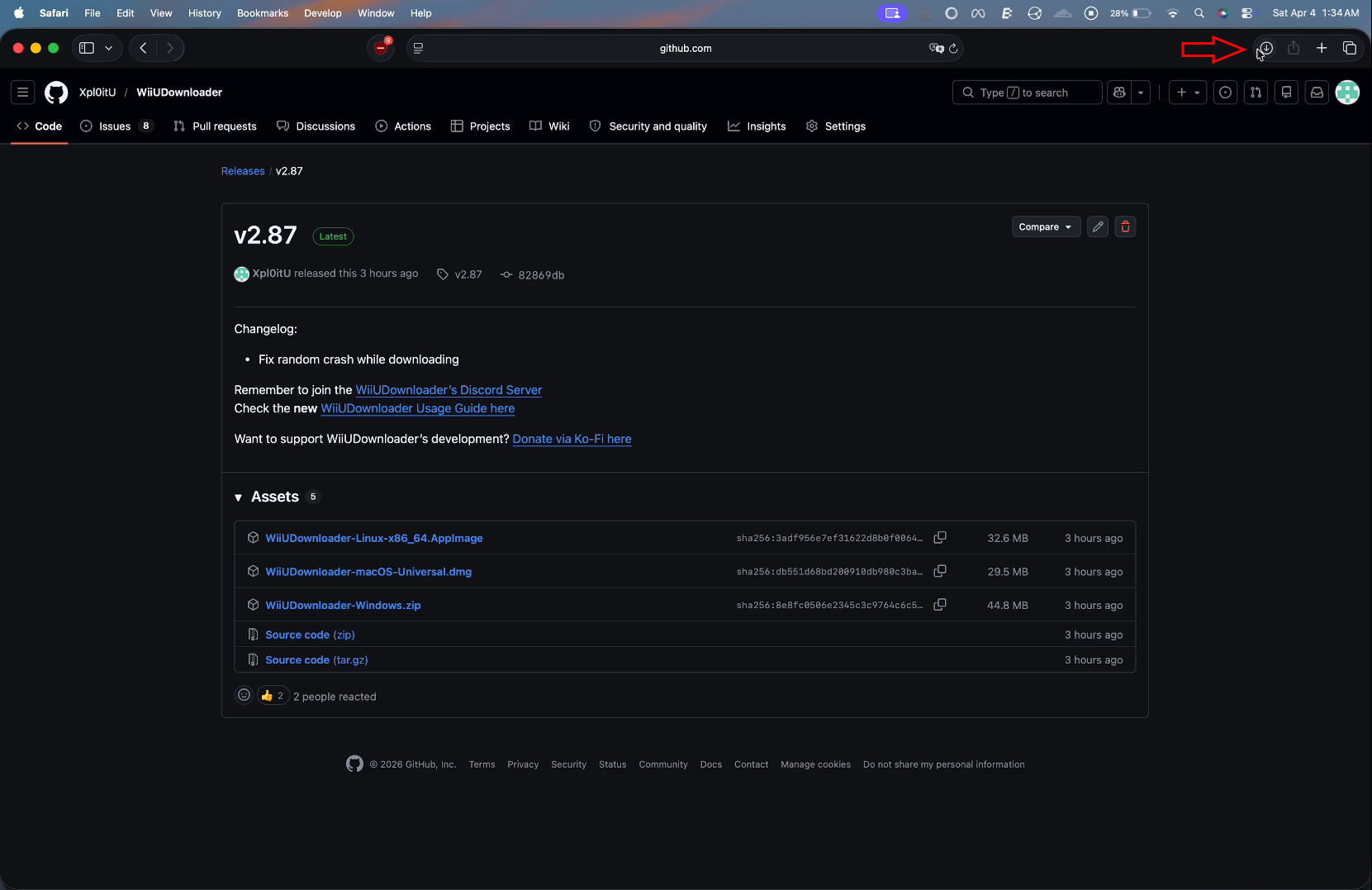
- Open the
.dmgfile.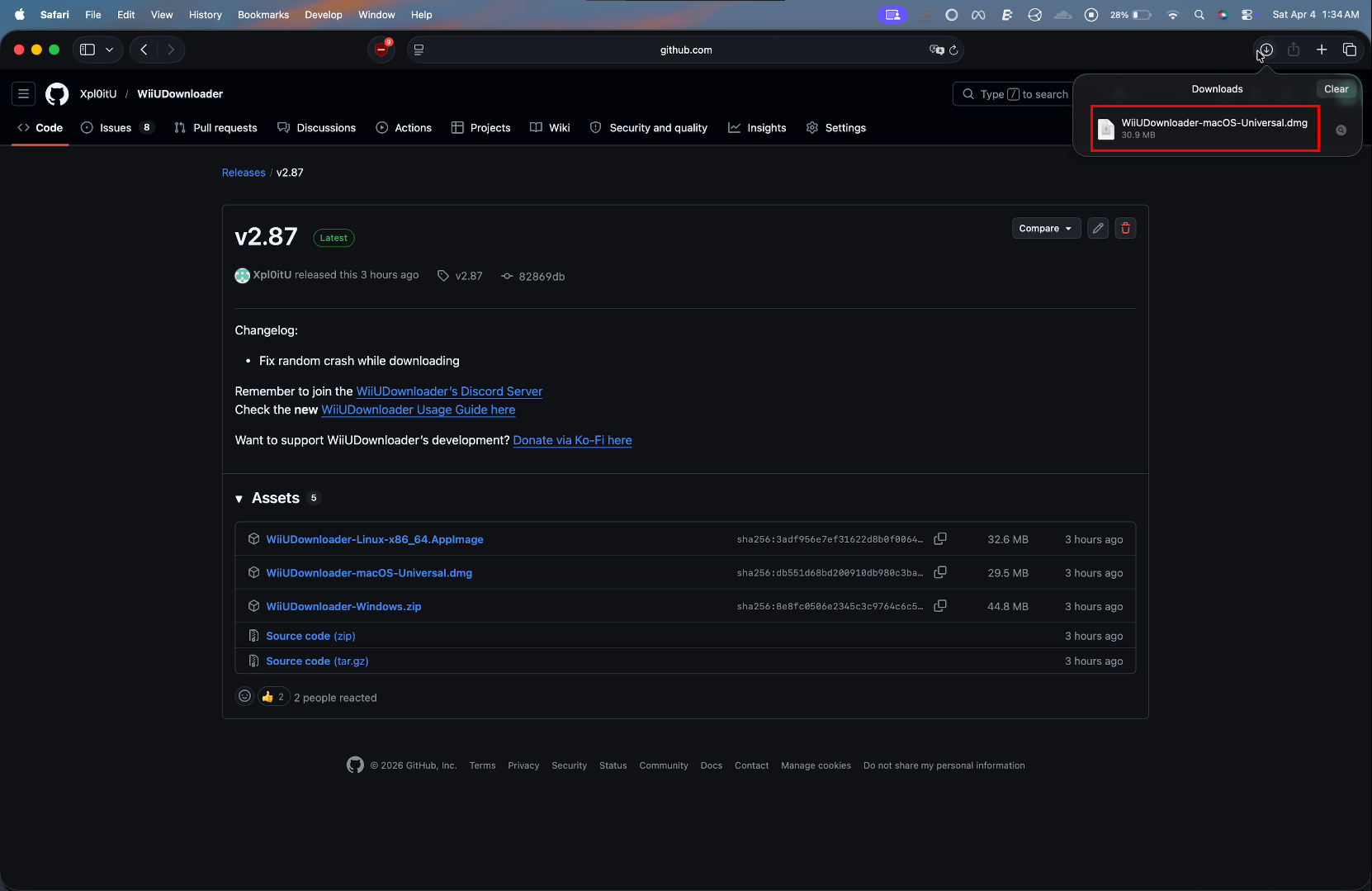
- Drag the WiiUDownloader icon to the Applications folder.
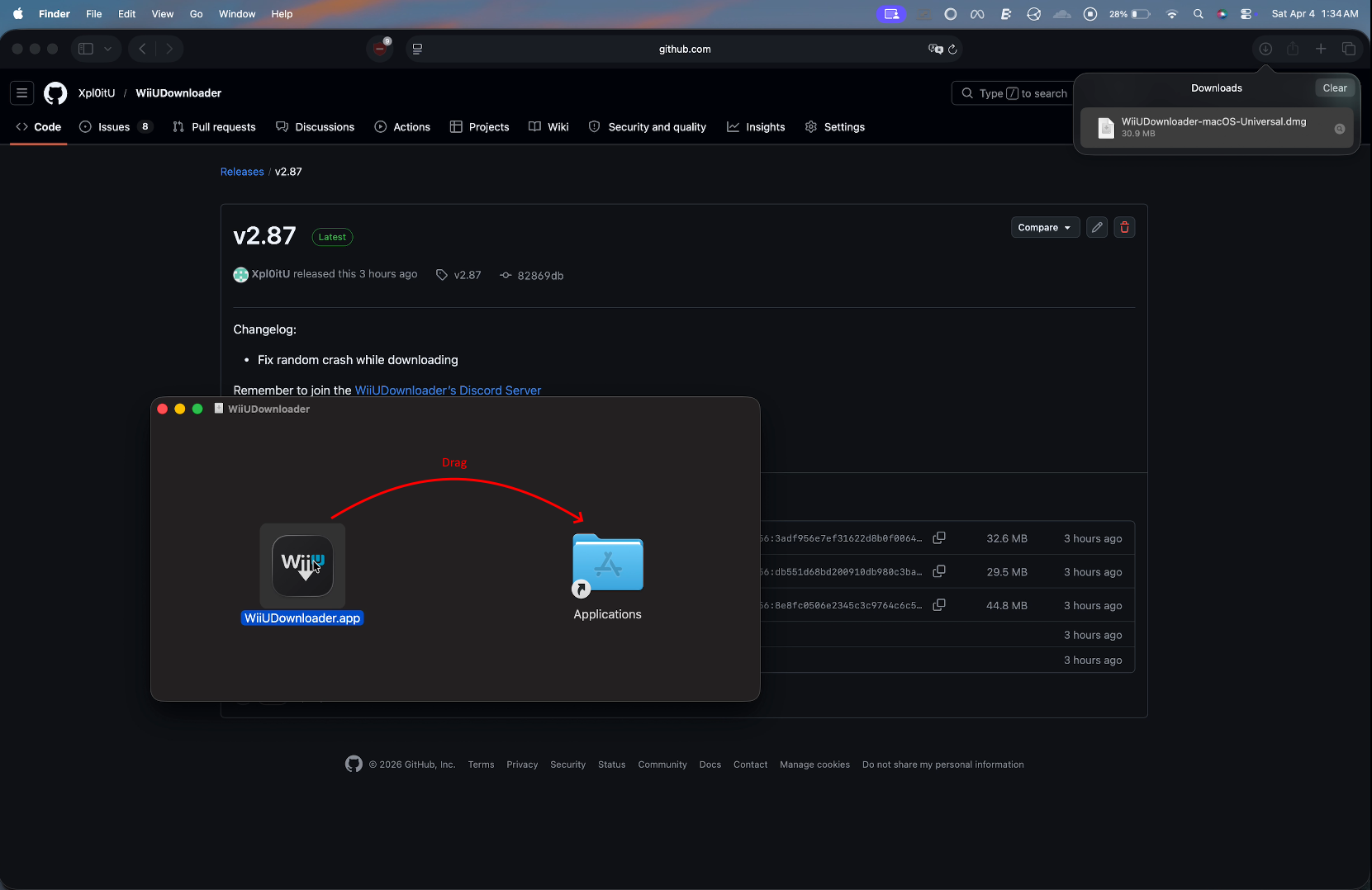
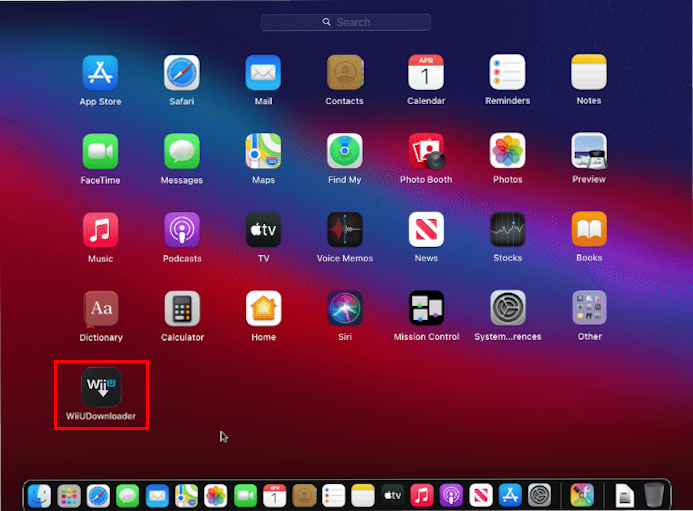
- Open Launchpad and click on the WiiUDownloader icon.
macOS Security
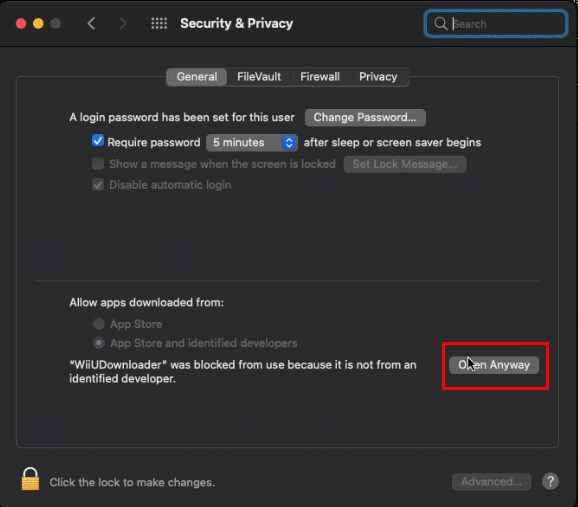
macOS will block WiiUDownloader because it is from an "unknown source". To bypass this, go to System Preferences → Security & Privacy, then to the right of "WiiUDownloader was blocked", click Open Anyways and it will open WiiUDownloader.
You have now completed the installation of WiiUDownloader on macOS.
Continue to Using on a real Wii U or Using on Cemu