Installing WiiUDownloader on Linux (Ubuntu)
Video Guide
- Download
WiiUDownloader-Linux-x86-64.AppImagefrom the latest release.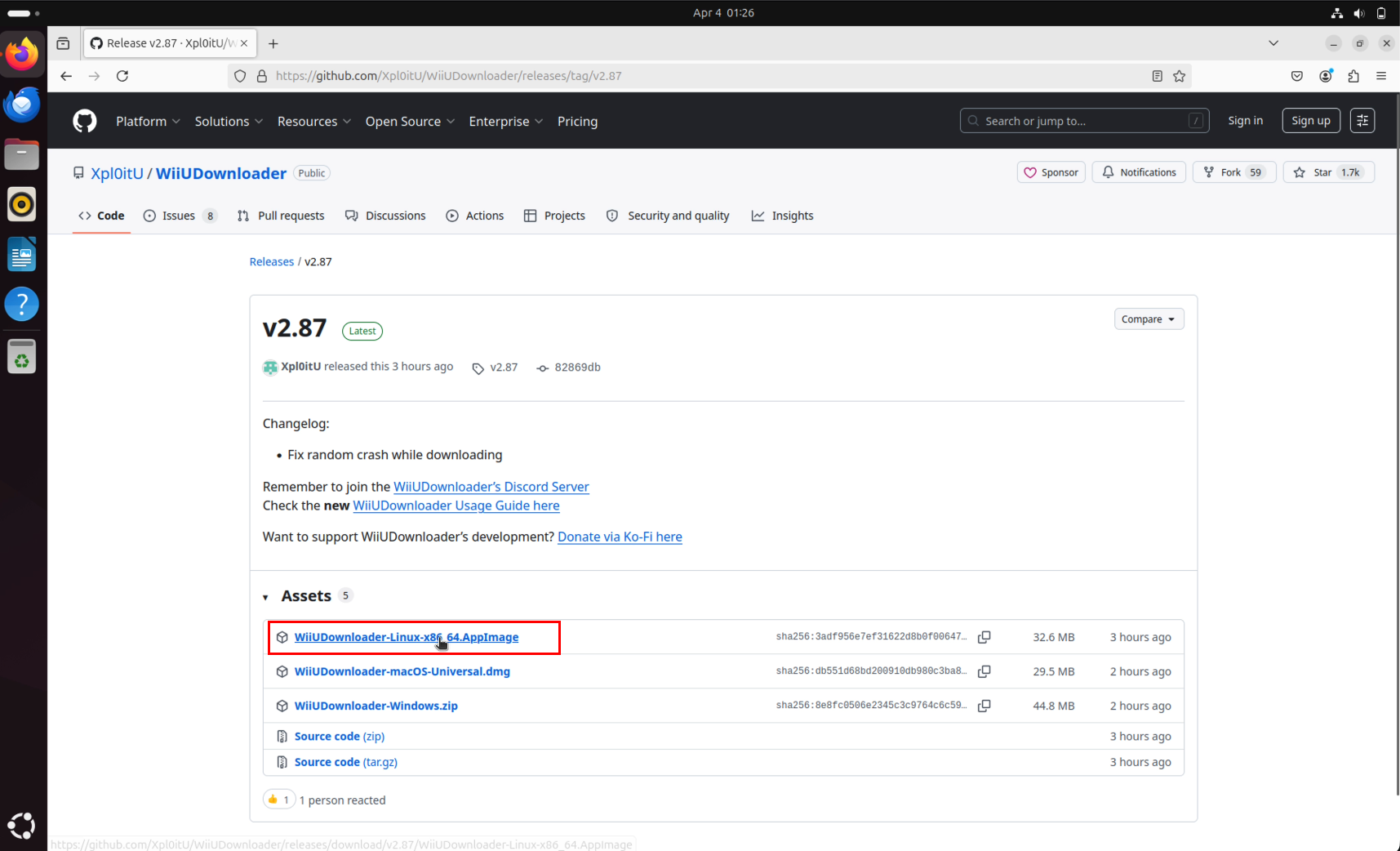
- Go to your downloads and wait for it to finish.
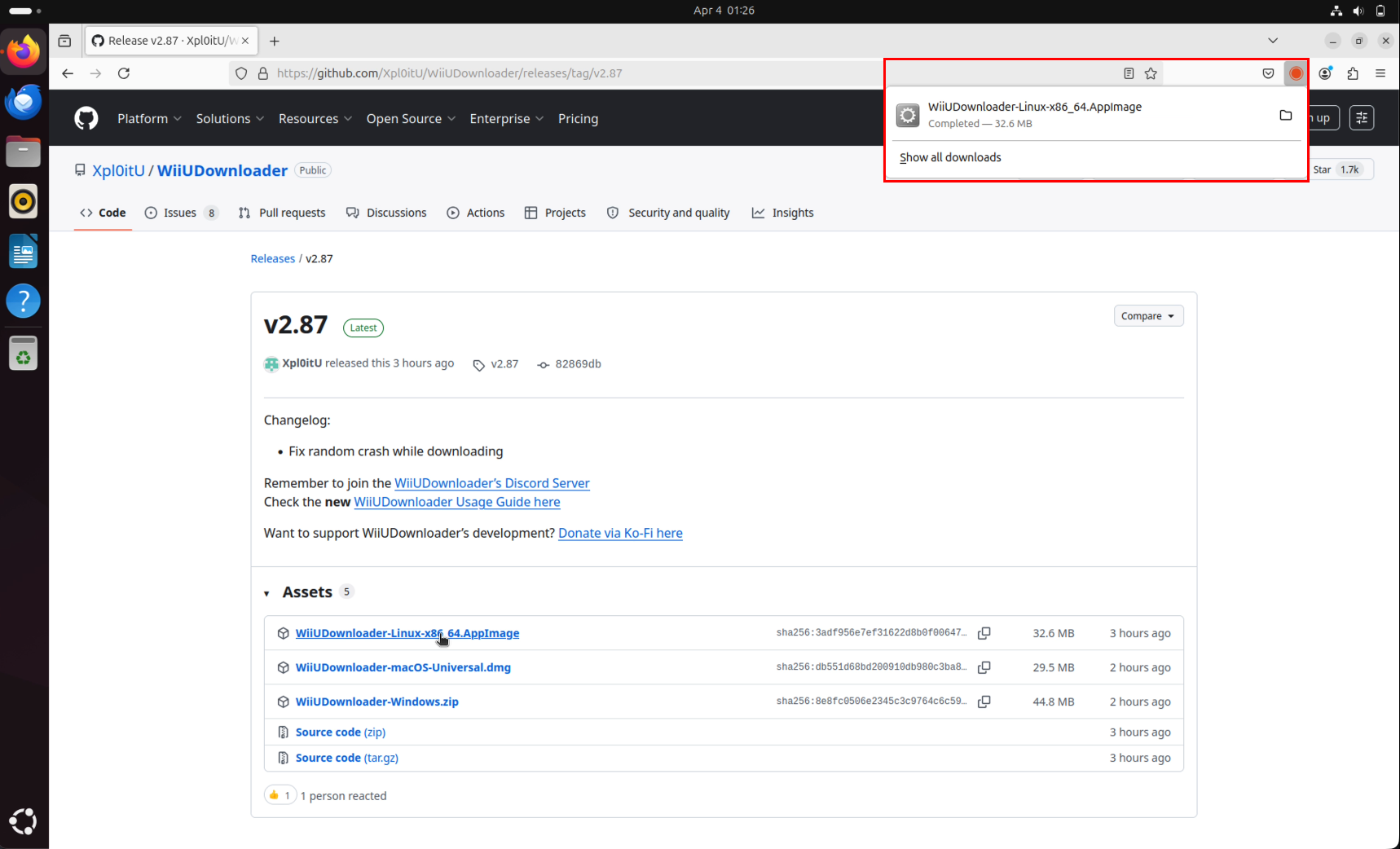
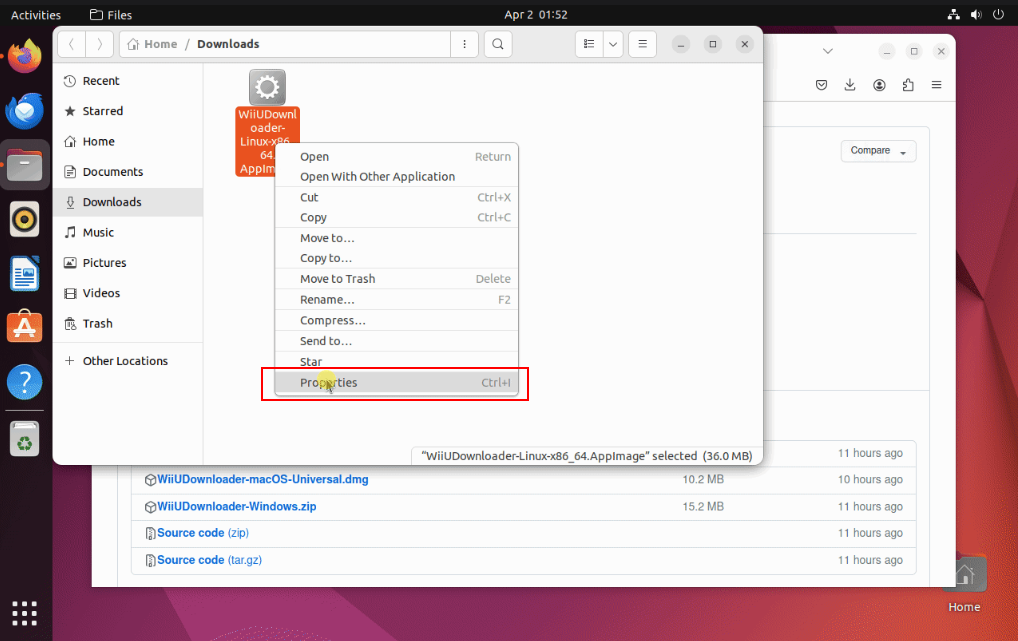
- Give it execute permissions:
- Right-click the AppImage → Properties.
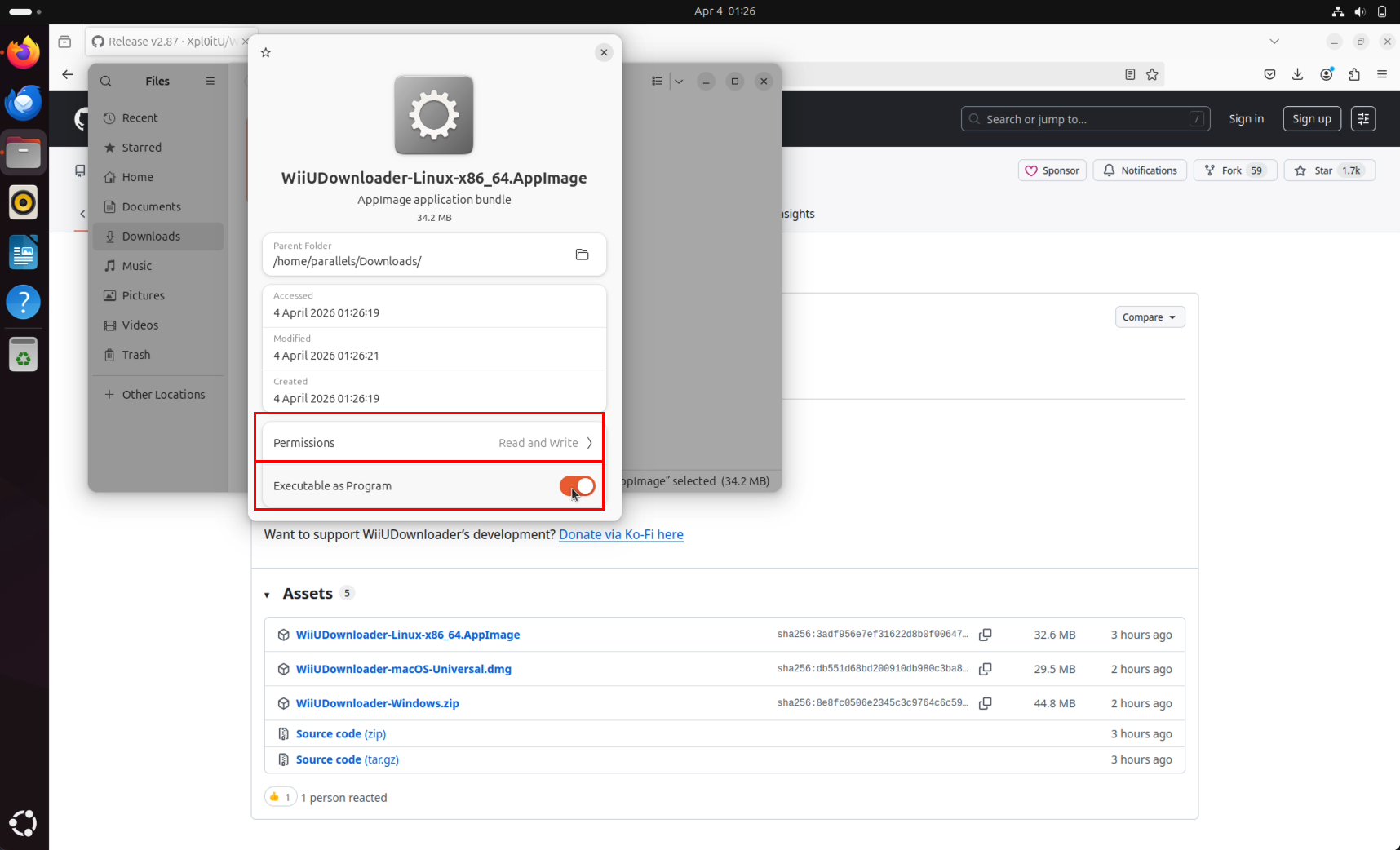
- Go to the Permissions tab.
- Check the box Allow executing file as program
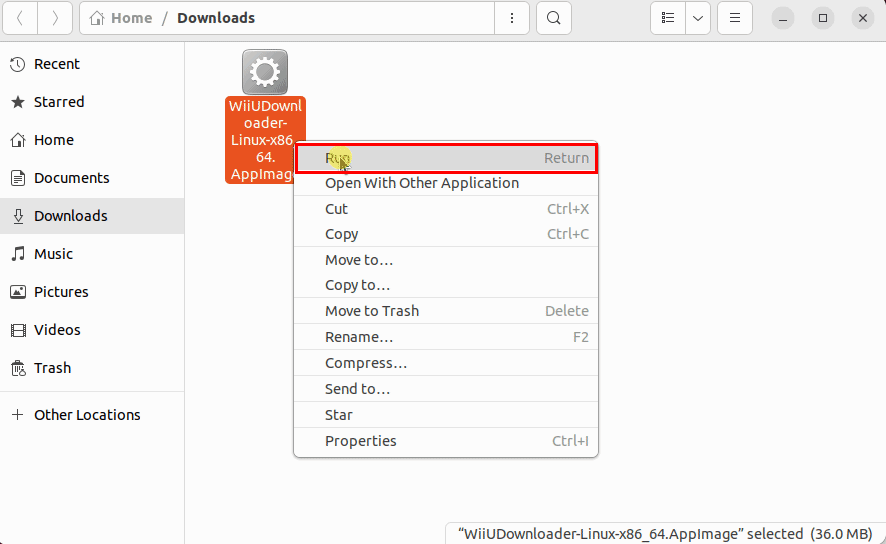
- Right-click and select Run or double-click it.
Missing Fuse
If it doesn't open, you may be missing libfuse. See this AskUbuntu thread for a solution.
Continue to Using on a real Wii U or Using on Cemu