HDD Guide
Do not use ANY Flashdrive/Flashkey/USB Thumbdrive as storage for Wii U games. The Wii U's USB drivers cause flash drives to fail very quickly, leading to irreversible data loss and corruption.
There are 3 reliable storage solutions for the Wii U:
- Portable HDD (Easiest)
- SATA HDD (Most Reliable)
- SDUSB (Cheapest)
Portable HDD
Requires 2 pieces of hardware: a portable HDD and a Y-cable. The Y-cable is required because the Wii U's USB ports do not provide enough power to the HDD with only one port.
-
Y-Cable: Cable Matters Micro USB 3.0 Y-Cable
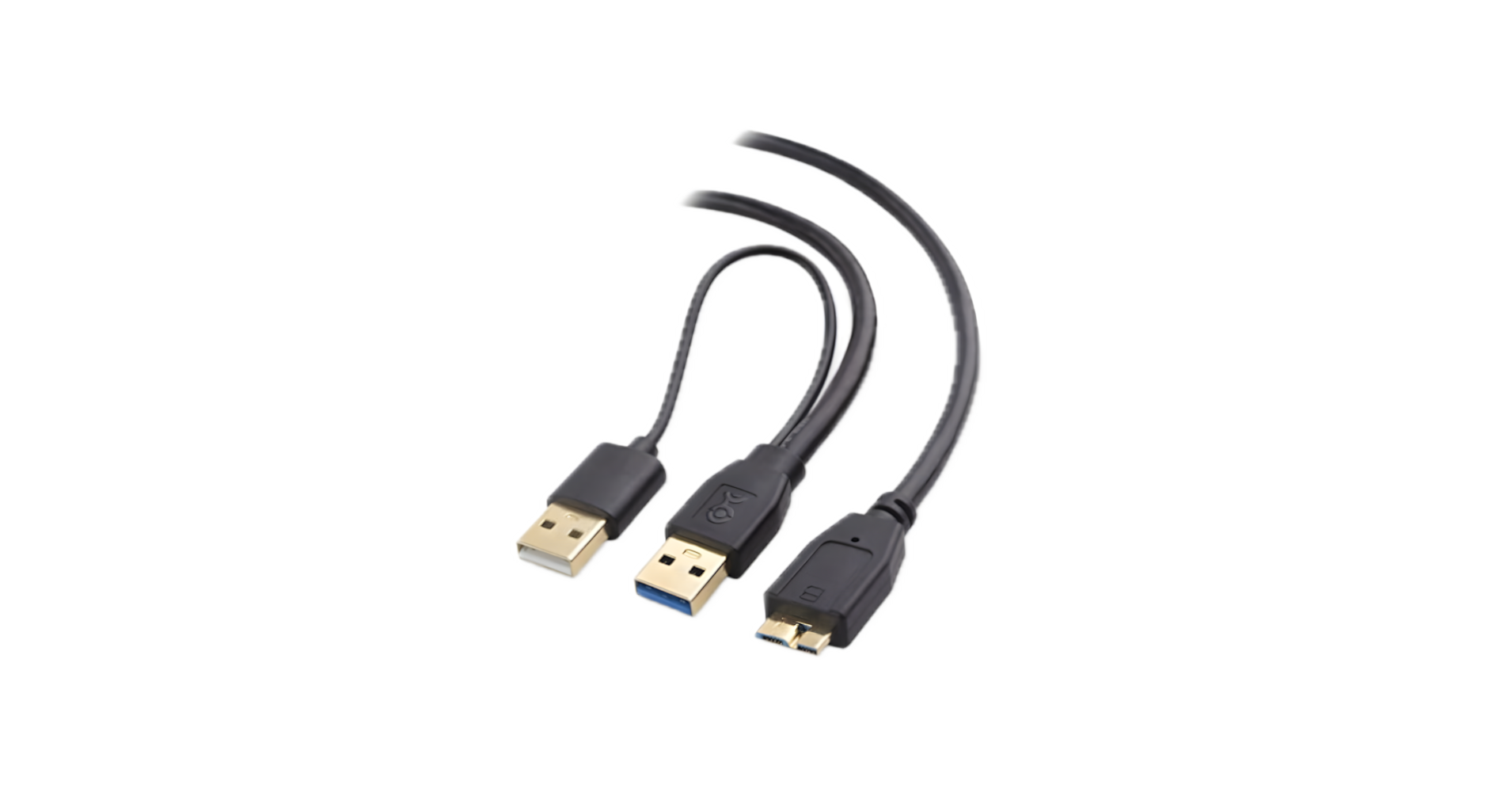
-
Compatible HDDs:
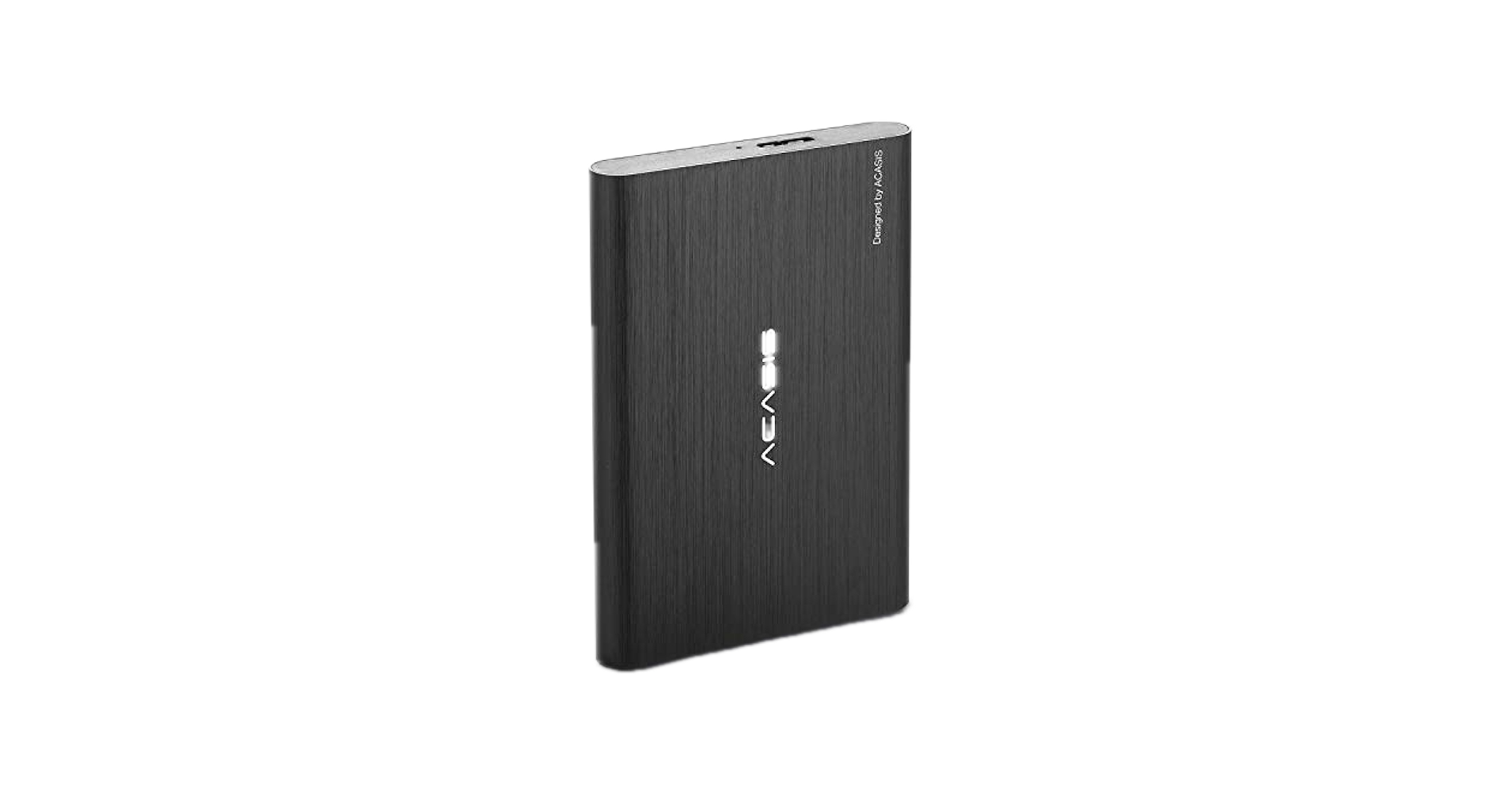
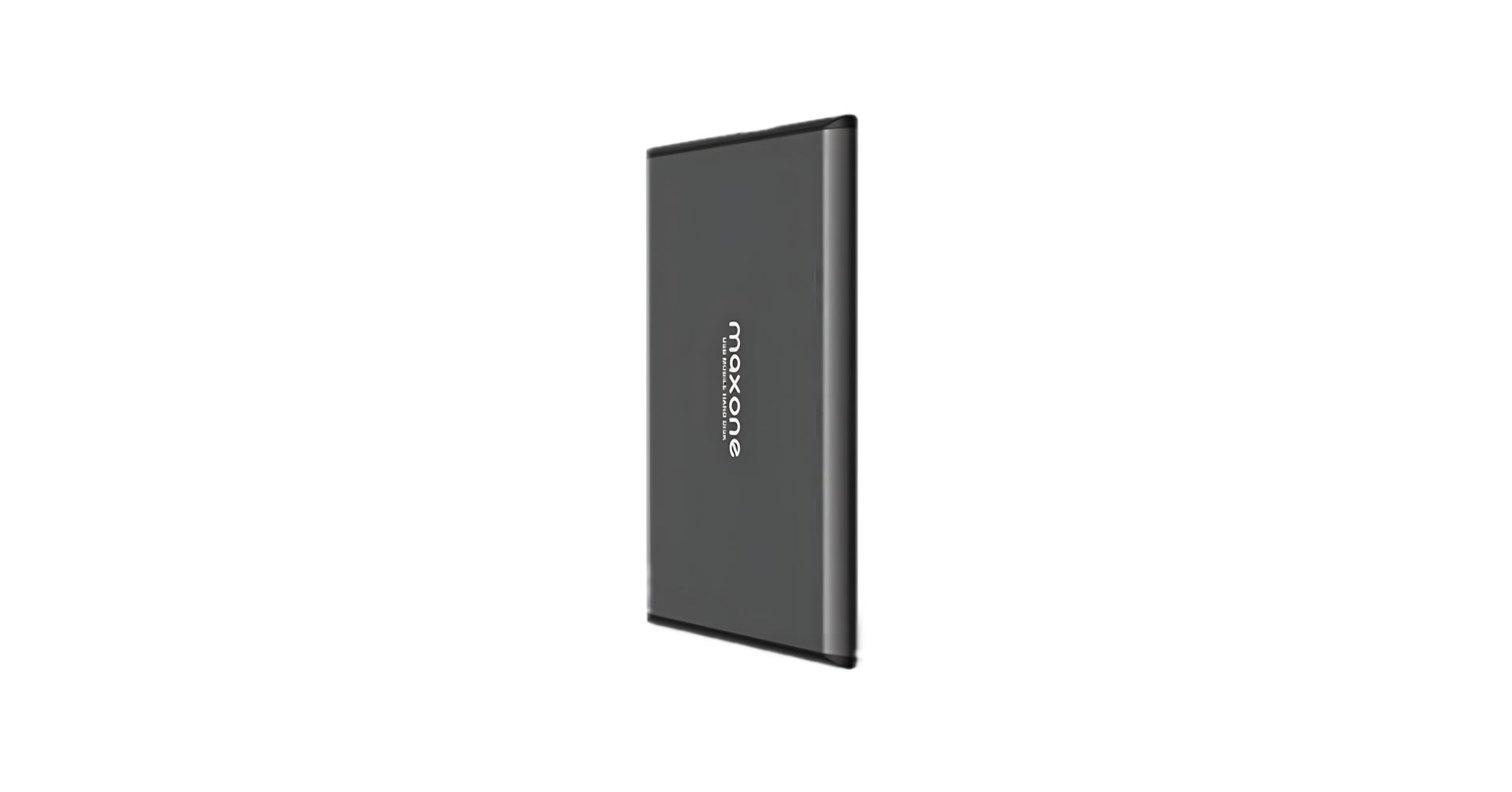
Installation (Y-cable)
- Connect the two USB ends of the Y-cable to the Wii U.
- Connect the Micro USB 3.0 end to the portable hard drive.
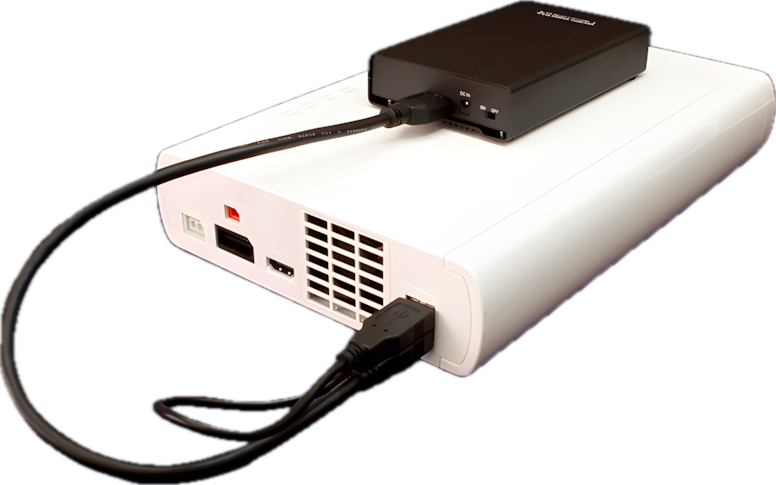
Do not place the HDD on top of the console, as it can interfere with the Wi-Fi chip. The image above is for demonstration purposes only.
SATA HDD
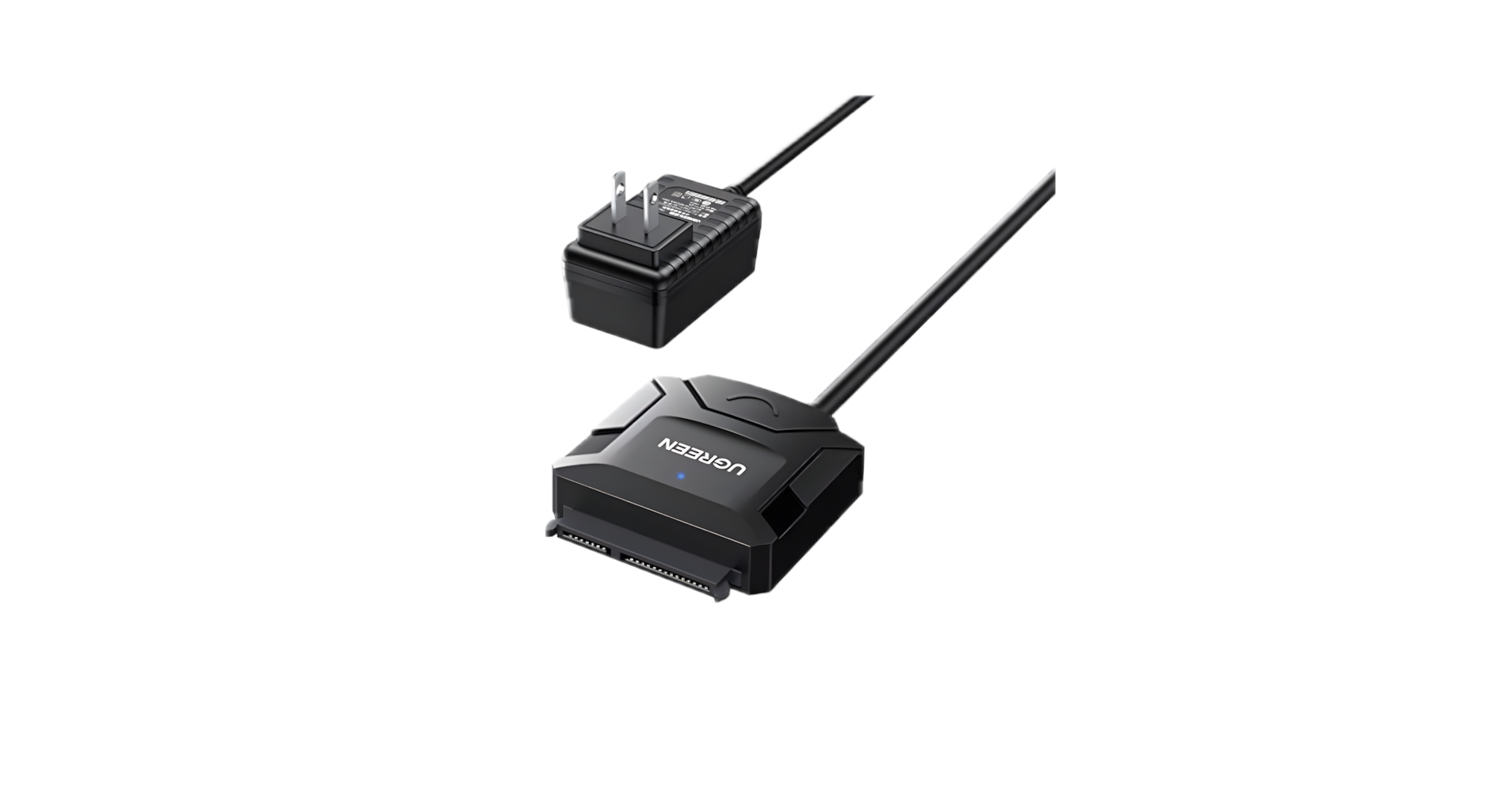
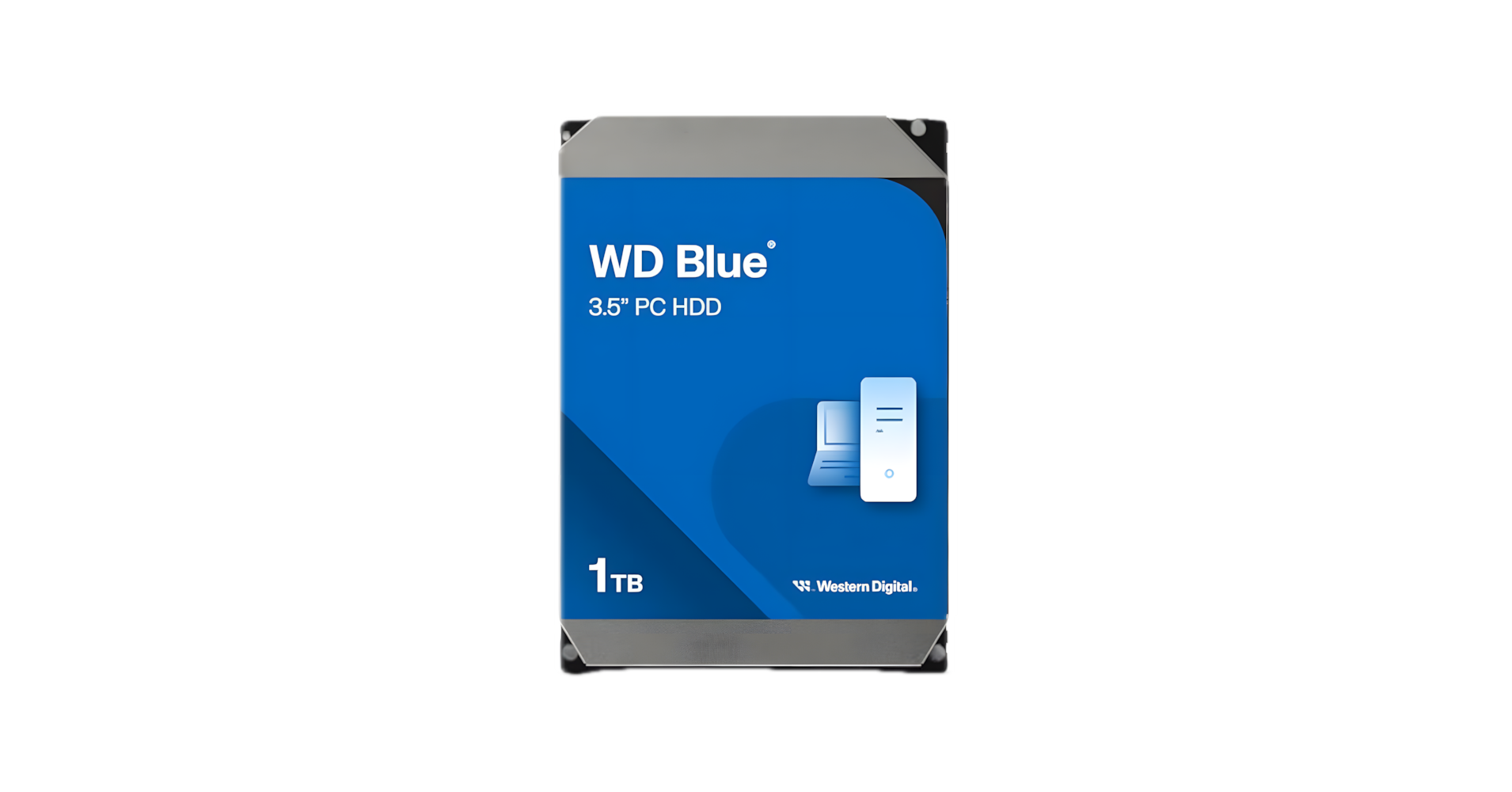
Requires 2 pieces of hardware: a SATA Hard Drive and a SATA to USB Adapter. ANY SATA DRIVE WILL WORK, but you must buy the adapter cable.
- SATA to USB Adapter: UGREEN SATA to USB Adapter
- Example SATA Drive: Western Digital 1TB WD Blue
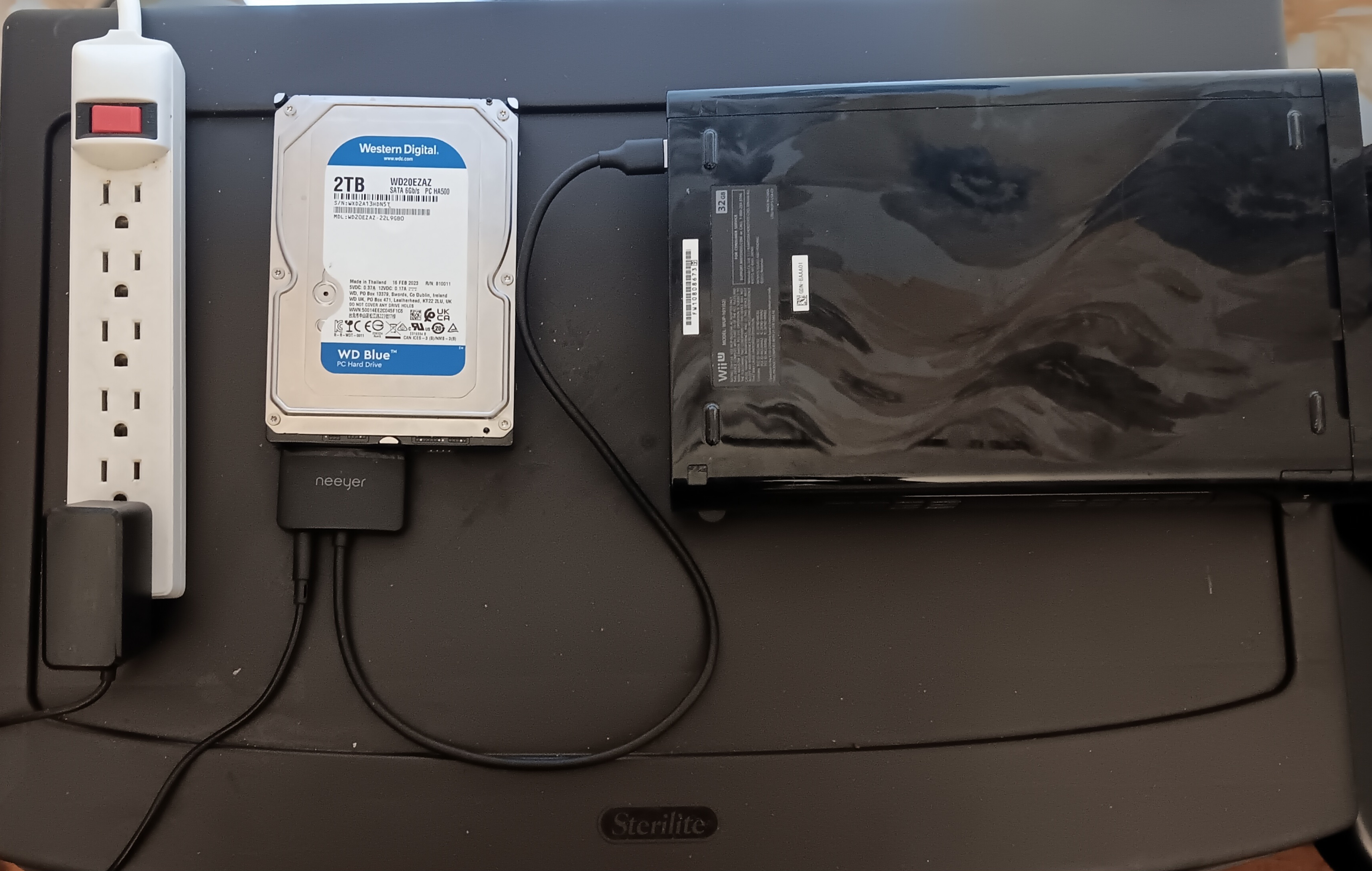
Installation (SATA HDD)
- Plug the SATA adapter's power cord into an outlet.
- Connect the SATA port to the SATA drive.
- Connect the USB cable to the console.
SDUSB Guide
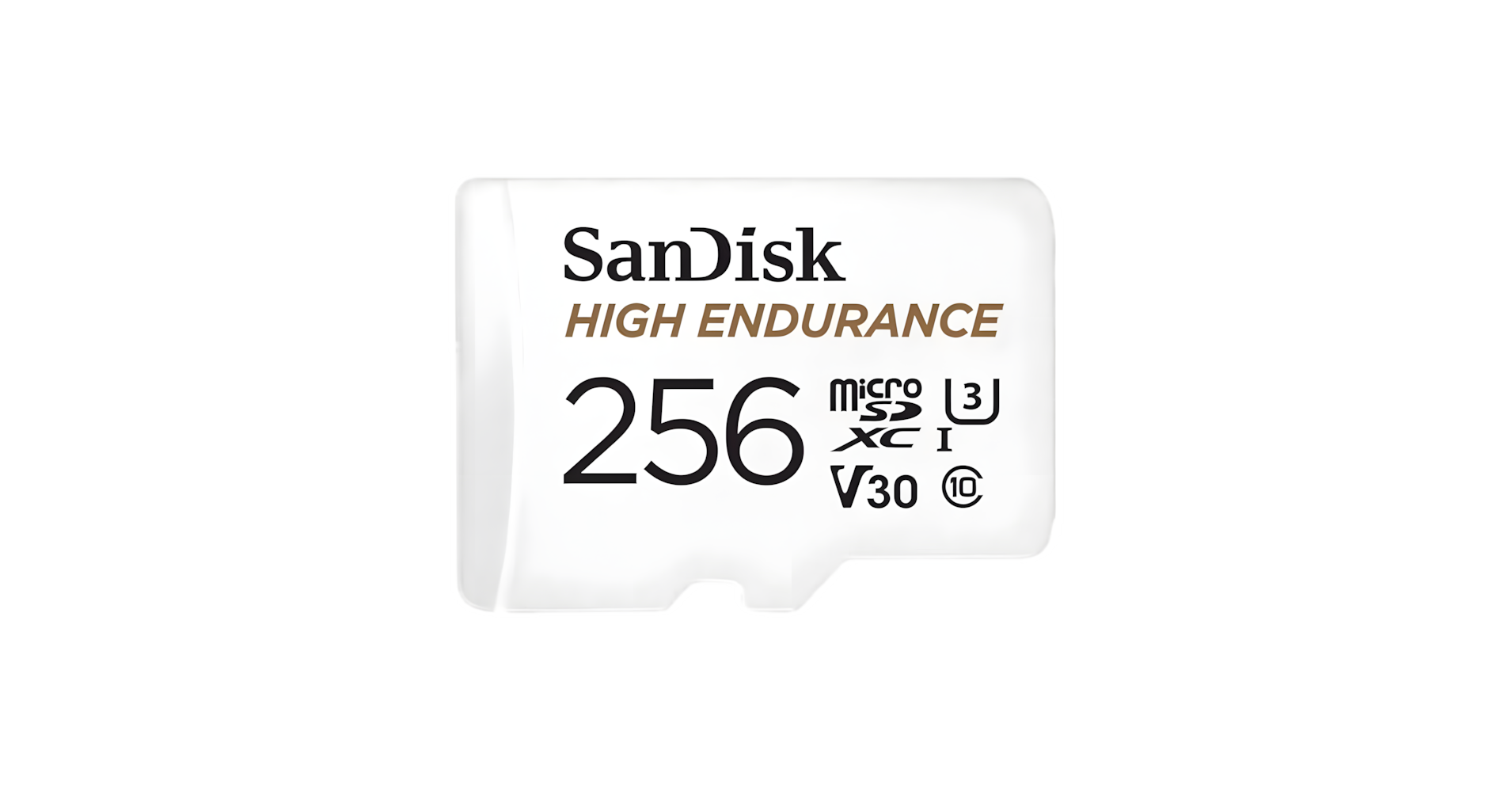
This method requires an SD card rated for long-term usage (most cards from 2023 onwards are fine).
- Recommended SD Card: SanDisk 256GB High Endurance
- Full Guide: SDUSB - The modern way to play Wii U games from SD